How to Track a Flower Delivery Across Time Zones
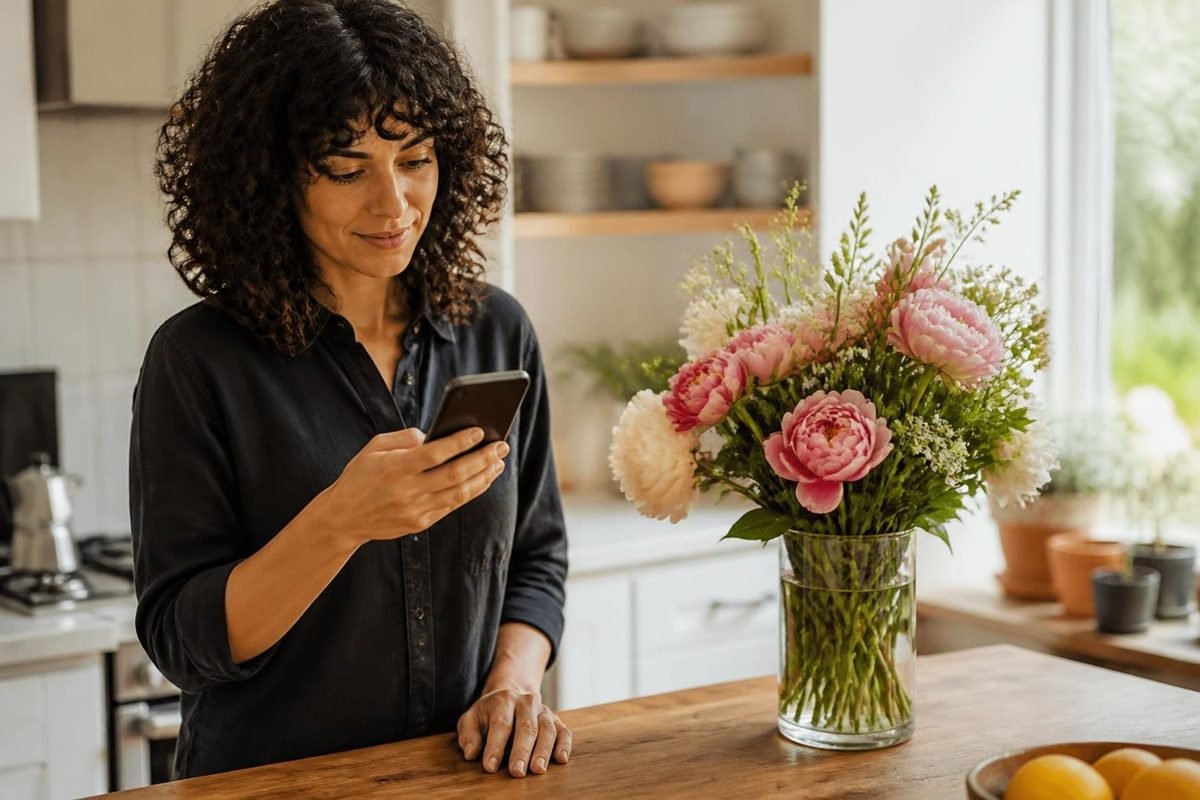
To track a flower delivery across time zones, check the order confirmation and tracking page, then compare every delivery estimate with the local time at the destination. If the time zone or delivery window is unclear, contact the seller or delivery carrier with your order number.
Start with the destination time
The delivery address determines which local time matters to the recipient. Look up the current time in the destination city before you interpret an expected delivery window. A delivery due by 5 p.m. there may be due earlier or later on your own clock.
Use a world clock or a time zone converter for the specific date of delivery. Some places change their clocks seasonally, and those changes do not happen everywhere on the same date. A fixed calculation that works today may be wrong for a delivery several weeks away.
Find the right tracking details
Open your order confirmation and look for an order number, a tracking link or a delivery reference. Some flower orders are tracked through the seller, while others have a separate carrier link. Keep both references handy if you have them.
Check the tracking page for the delivery date, estimated window and latest status. If the page names a time zone, use that as your guide. If it does not, do not assume the displayed time matches either your location or the recipient's. Ask the seller or carrier which time zone it uses.
Follow the delivery step by step
- Confirm the recipient's address and delivery date in the order details.
- Check the current local time at the destination and convert any stated delivery window to your own time.
- Open the tracking link and note the latest status and update time.
- Check for delivery instructions or a message about an attempted delivery.
- Contact the seller or carrier if the window has passed in the destination time zone and the status has not resolved.
Save the confirmation message so you can find the order details quickly. If you call for an update, have the recipient's address ready as well as the order number.
Read status updates with care
An order confirmation means the order was received. It does not necessarily mean the flowers are on the way. A status such as out for delivery is more specific, but it may still cover a broad window.
Update times can reflect a scan or a system entry rather than the exact moment an event happened. Tracking detail also varies by seller and carrier. If the page offers no live location, repeated refreshing will not create one.
Handle delays and delivery problems
If tracking shows an attempted delivery, read the instructions before taking action. The carrier may ask for a new delivery time or provide other options. For a delivered status, check any delivery note first, then ask the recipient if appropriate.
If the flowers are missing or the address is wrong, contact the seller promptly. Give the order number, the destination time and the latest tracking status. The seller can explain the available next steps.
Keep checking against the recipient's local clock, and allow the stated window to pass before treating an unchanged status as a delay.
For more detail, see order flowers for someone in Europe